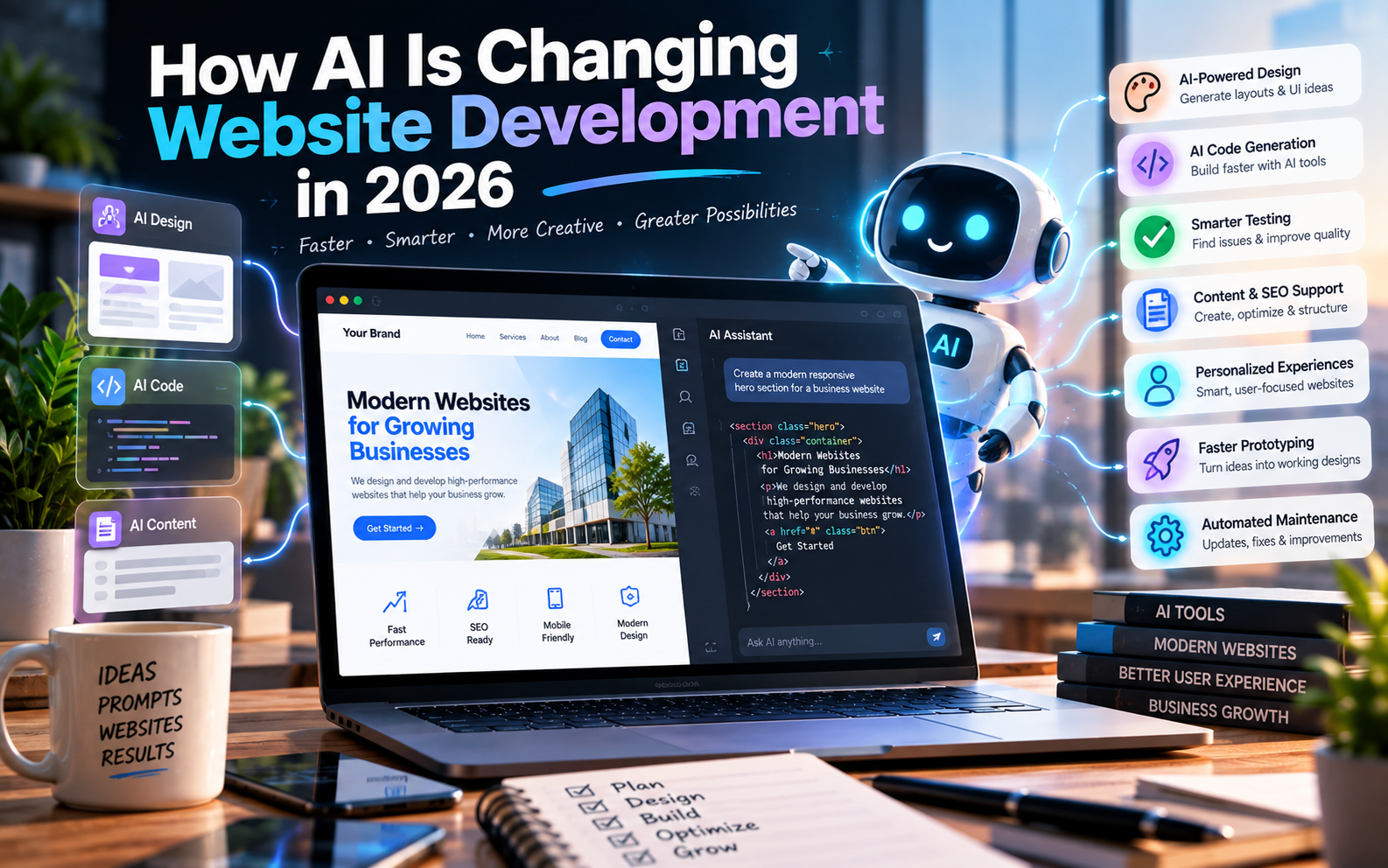
Artificial intelligence is changing the way websites are planned, designed and developed.
A few years ago, building a website usually meant manually creating designs, writing code, testing individual components and repeatedly making changes. Today, AI can assist with many of these tasks.
Developers can use AI to explain code, generate components, identify bugs, create tests, work through development tasks and even assist with larger software projects. GitHub’s current documentation, for example, describes Copilot as being able to help developers understand code, write code, review changes and work on assigned tasks.
AI is also making it easier for non-developers to create initial website concepts and prototypes.
But this doesn’t mean that AI has replaced website developers.
Instead, website development is moving toward a workflow where humans and AI work together.
Let’s look at what is actually changing.
What Is AI Website Development?
AI website development means using artificial intelligence tools during one or more stages of the website development process.
AI can assist with:
- Website planning
- Content structure
- UI ideas
- Design concepts
- Code generation
- Code explanation
- Debugging
- Testing
- SEO assistance
- Image creation
- Content generation
- Documentation
- Maintenance
- Automation
- Personalization
The important distinction is that AI can be used as a development assistant, rather than necessarily being responsible for the entire project.
1. AI Can Generate Website Code
One of the biggest changes is the ability to describe a website or functionality in natural language and have AI generate code.
For example, a developer can ask for:
“Create a responsive pricing section with three plans, monthly and yearly pricing, and a highlighted recommended plan.”
An AI coding tool can generate an initial implementation that the developer can then inspect, modify and integrate.
Modern coding assistants have moved beyond simple autocomplete. GitHub’s current Copilot documentation describes workflows where an agent can research a repository, plan changes, modify code and create a pull request for review.
This changes the developer’s role from manually writing every line toward planning, reviewing, testing and directing implementation.
2. Website Prototyping Is Becoming Faster
AI can significantly reduce the time required to turn an idea into an initial prototype.
Instead of starting with an empty project, developers can use AI to generate:
- Page structures
- Components
- Navigation
- Forms
- Dashboard layouts
- Authentication screens
- Database structures
- API integrations
- Responsive layouts
This is particularly useful during the early stages of a project.
A business owner can describe an idea, and a development team can use AI to quickly create something that can be tested and discussed.
But a prototype isn’t necessarily a production website
This distinction is extremely important.
A generated prototype may demonstrate how something should work without being ready for:
- High traffic
- Sensitive information
- Payments
- Complex permissions
- Security-critical workflows
- Long-term maintenance
AI can accelerate the starting point, but production readiness still requires engineering.
3. AI Is Becoming Part of the Developer’s Workflow
AI is increasingly being integrated directly into development environments and repositories.
Developers can use AI to:
- Explain unfamiliar code
- Generate functions
- Refactor code
- Find potential problems
- Write tests
- Review changes
- Create documentation
- Work through development issues
GitHub currently provides Copilot across different development surfaces, including GitHub, IDEs and agent-based workflows.
Google also provides Gemini Code Assist for development teams to assist throughout the software development lifecycle.
This means AI isn’t necessarily a separate tool developers open occasionally.
It can become part of the normal development environment.
4. AI Is Changing Website Design
AI isn’t limited to writing code.
It can also help with design exploration.
For example, AI can assist with:
- Layout ideas
- Color combinations
- Typography suggestions
- Landing-page concepts
- UI component ideas
- Image generation
- Illustrations
- Icons
- Visual variations
This can make the design exploration stage faster.
A designer or developer can generate multiple concepts before deciding which direction should be developed further.
Human design judgment still matters
AI-generated designs can sometimes look visually impressive but fail to account for the actual business.
A website still needs to communicate:
- What the company does
- Who it serves
- Why customers should trust it
- What action visitors should take
Good design isn’t simply about making something attractive.
It is about solving a communication and usability problem.
5. AI Can Help Developers Debug Websites
Debugging can consume a significant amount of development time.
AI can help developers understand errors by explaining:
- What an error means
- Where it may originate
- What files may be involved
- Potential solutions
- Possible side effects of a change
It can also help developers reason through unfamiliar codebases.
However, AI suggestions should still be tested.
A generated fix can solve one problem while accidentally creating another.
That’s why the workflow should be:
AI suggestion → developer review → testing → verification
rather than:
AI suggestion → immediately publish
6. AI Can Help With Testing
AI is also being used to assist with software testing.
Developers can use AI to help create:
- Unit tests
- Test cases
- Edge-case scenarios
- Validation logic
- Regression tests
- Test documentation
For example, if a website has a registration form, AI can help identify scenarios such as:
- Empty fields
- Invalid email addresses
- Weak passwords
- Duplicate accounts
- Incorrect verification codes
- Unexpected input
This can help development teams think about cases that may otherwise be overlooked.
But generated tests also need review.
A test is useful only if it actually verifies the intended behavior.
7. AI Can Help With SEO During Development
AI is also entering the SEO workflow.
It can assist with:
- Keyword research
- Content outlines
- Meta descriptions
- Title ideas
- Internal linking suggestions
- FAQ ideas
- Content organization
- Schema implementation assistance
- Content gap analysis
However, AI-generated content should not automatically be treated as SEO-ready.
Search engines still care about useful, relevant and trustworthy content.
AI should therefore be used to assist the SEO process, not simply produce hundreds of pages and publish them without review.
This is especially important for businesses competing in commercially valuable search results.
8. AI Can Help Personalize Websites
Another major opportunity is website personalization.
AI systems can potentially help websites deliver different experiences based on available context and user behavior.
For example, an e-commerce website could use AI to assist with:
- Product recommendations
- Search results
- Content suggestions
- Customer support
- Personalized offers
A service business could use AI to help visitors find the most relevant service based on their requirements.
The objective is to make the website more useful rather than simply adding an AI feature because it is trendy.
9. AI Chatbots Are Becoming Website Features
AI-powered chat interfaces are becoming increasingly common.
Instead of a basic FAQ page, a website can provide an interface where visitors ask questions in natural language.
For example:
Visitor:
“Do you provide website development for restaurants?”
AI assistant:
“Yes. We develop business websites for restaurants with menus, enquiry forms, location information and other relevant features.”
A chatbot can potentially help with:
- FAQs
- Product discovery
- Lead qualification
- Customer support
- Documentation
- Appointment assistance
However, businesses should carefully consider what information the AI is allowed to access and what actions it can perform.
10. AI Can Generate Content Faster
AI can help create the first draft of:
- Website copy
- Product descriptions
- Blog outlines
- FAQs
- Email copy
- Landing-page sections
- Documentation
This can reduce the time required to produce initial content.
But businesses should avoid publishing generic AI-generated text without editing.
Your website should still contain:
- Real business information
- Accurate service descriptions
- Original insights
- Actual experience
- Correct pricing where applicable
- Genuine case studies
- Human-reviewed content
AI can help with production speed, but business knowledge provides the substance.
11. AI Is Changing How Developers Work With Existing Code
AI isn’t only useful for new websites.
It can also help developers understand existing projects.
Imagine receiving a website containing thousands of lines of code that another developer created several years ago.
An AI coding assistant can help explain:
- What different files do
- How components interact
- Where particular functionality is implemented
- How APIs are connected
- Where potential problems may exist
This can make maintenance and onboarding easier.
However, developers should still inspect the actual codebase rather than trusting AI’s interpretation blindly.
12. AI Can Assist With Website Maintenance
Website development doesn’t end when a website launches.
Websites require ongoing:
- Bug fixes
- Updates
- Security reviews
- Content changes
- Performance optimization
- Dependency updates
- Feature development
AI can assist developers in identifying and addressing some of these tasks.
Agent-based development is also moving toward workflows where AI can work through assigned issues and return changes for human review. GitHub documents this model through Copilot’s cloud-agent workflow.
This could make maintenance workflows more efficient, particularly for repetitive development tasks.
AI Website Builders vs AI-Assisted Development
These two concepts are often confused.
AI Website Builder
An AI website builder typically allows someone to describe a website and generate a website or prototype with limited technical work.
It can be useful for:
- Simple business websites
- Landing pages
- Personal websites
- Early prototypes
- Small projects
AI-Assisted Development
AI-assisted development involves professional developers using AI as part of a broader engineering workflow.
This may involve:
- Custom code
- Databases
- APIs
- Authentication
- Payment systems
- Third-party integrations
- Testing
- Security
- Deployment
For more complex projects, AI-assisted development can provide flexibility without eliminating engineering oversight.
Does AI Replace Web Developers?
AI is changing the responsibilities of developers, but it does not mean that professional development has become unnecessary.
A website developer does much more than write code.
Developers need to understand:
- Business requirements
- Architecture
- Security
- Databases
- APIs
- Performance
- Accessibility
- Testing
- Deployment
- Maintenance
AI can generate a solution that appears correct while still containing problems.
For example, generated code may:
- Expose sensitive information
- Use insecure patterns
- Handle errors incorrectly
- Create unnecessary dependencies
- Perform poorly at scale
- Fail under unusual conditions
Human review remains important.
GitHub’s own documentation emphasizes reviewing Copilot-generated work rather than treating it as automatically correct.
What AI Is Good At vs What Developers Still Need to Handle
| Task | AI Assistance | Human Oversight |
|---|---|---|
| Code generation | High | Required |
| UI ideas | High | Required |
| Content drafts | High | Required |
| Debugging assistance | High | Required |
| Documentation | High | Required |
| Testing ideas | High | Required |
| Business strategy | Useful | Essential |
| Architecture | Useful | Essential |
| Security | Assistance | Essential |
| Production deployment | Assistance | Essential |
| Complex integrations | Assistance | Essential |
| Final quality control | Limited | Essential |
The pattern is simple:
AI can accelerate many tasks, but responsibility still belongs to the development process.
The Biggest Risk: Treating AI-Generated Code as Finished Code
One of the biggest mistakes businesses can make is assuming:
“AI generated it, so it must be ready.”
That’s not how professional development should work.
AI-generated code should go through a process such as:
Requirement → AI generation → Developer review → Testing → Security review → Optimization → Deployment
This is particularly important when a website handles:
- Payments
- Customer accounts
- Personal information
- Business data
- User-generated content
- Authentication
- Sensitive APIs
The more important the system, the more important verification becomes.
How AI Is Changing the Role of Web Developers
The traditional workflow was often:
Requirement → Design → Manual coding → Testing → Deployment
AI-assisted development can look more like:
Requirement → Planning → AI-assisted implementation → Review → Testing → Optimization → Deployment
This means developers may spend less time on repetitive implementation and more time on:
- Architecture
- Problem solving
- Product decisions
- Code review
- Testing
- Security
- Performance
- Client requirements
The developer becomes increasingly responsible for directing and validating the development process.
What This Means for Businesses
For businesses, the biggest benefit of AI isn’t simply that websites can be generated faster.
The larger opportunity is potentially reducing the time between:
Idea → Prototype → Feedback → Improvement → Launch
A business can test concepts faster.
Developers can iterate faster.
Designers can explore more options.
Teams can automate repetitive work.
But businesses should not choose a development approach purely because it uses AI.
Instead, evaluate:
- What are you building?
- How complex is it?
- Does it handle sensitive information?
- How much customization is required?
- What integrations are needed?
- Who will maintain it?
- How will it scale?
The technology should follow the requirement—not the other way around.
How Banex Digital Can Use AI in Website Development
For a modern web development workflow, AI can be incorporated at multiple stages:
Planning
→ Understand requirements and structure the project.
Design
→ Explore layouts, components and visual directions.
Development
→ Accelerate coding and implementation.
Testing
→ Generate test cases and identify potential issues.
SEO
→ Assist with structure, content planning and optimization.
Optimization
→ Analyze performance and identify improvement opportunities.
Maintenance
→ Assist with debugging, updates and future development.
The important part is that AI remains part of a controlled development workflow, rather than replacing the entire process.
Frequently Asked Questions
Can AI build a complete website?
Yes, AI tools can generate complete website prototypes and, in some cases, substantial working applications. However, complex or production-critical websites still require testing, security review, customization and ongoing maintenance.
Is AI website development cheaper?
AI can reduce development time for some tasks, but the total project cost still depends on complexity, functionality, design, integrations, testing and maintenance.
Can AI replace web developers?
AI can automate or accelerate many development tasks, but developers are still needed for requirements, architecture, security, testing, integration, quality control and complex problem-solving.
Is AI-generated code safe?
Not automatically. AI-generated code should be reviewed and tested, particularly when it handles authentication, payments, personal information or other sensitive functionality.
Is an AI website builder good for a small business?
It can be suitable for simple websites and early prototypes. Businesses with more complex requirements may need a developer or development team to customize, integrate and maintain the website.
Will AI change website development in the future?
AI is already changing development workflows, and its capabilities continue to evolve. The likely direction is greater AI assistance across coding, testing, design, deployment and maintenance, with human oversight remaining important for business and technical decisions.
Conclusion
AI is changing website development from the ground up.
It can help developers write code, explore designs, debug problems, create tests, generate content and work through development tasks faster.
It is also making website creation more accessible to people who don’t have traditional programming skills.
But faster development doesn’t automatically mean better development.
A successful website still needs good planning, thoughtful design, secure implementation, strong performance, useful content and ongoing maintenance.
The future of website development is therefore unlikely to be simply AI vs developers.
Instead, it is increasingly becoming:
Developers + AI + better workflows.
For businesses, the important question isn’t whether AI is being used.
The better question is how effectively and responsibly it is being used to build the website your business actually needs.